
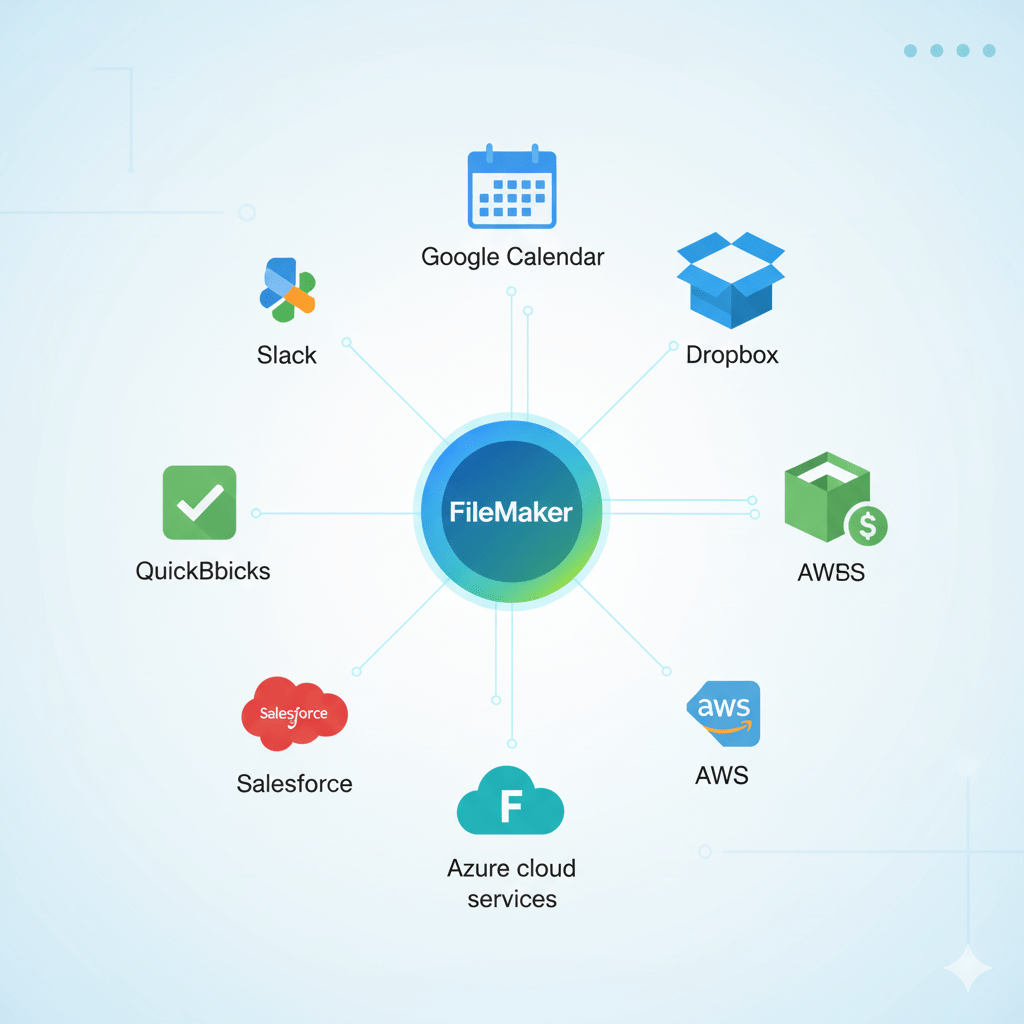
Claris FileMaker is a powerful low-code platform widely used for creating custom business applications. Its true strength extends beyond rapid application development to seamless integration capabilities with a variety of popular tools and services. This integration flexibility allows businesses to automate workflows, extend functionality, and unify their technology ecosystems efficiently. Here’s a detailed look at how FileMaker connects with popular tools using APIs and cloud services.
API Integrations: Connecting FileMaker to the Digital World
Modern applications communicate through APIs (Application Programming Interfaces). FileMaker supports REST APIs, allowing it to “talk” with countless services.
-
Google Calendar & Outlook: Sync schedules automatically, so when a meeting is created in FileMaker, it instantly appears in your calendar.
-
Slack or Microsoft Teams: Send real-time notifications to team channels based on FileMaker triggers, such as new orders or completed tasks.
-
Dropbox or Google Drive: Store documents directly from FileMaker into your cloud folders, making them accessible anytime, anywhere.
With API integrations, FileMaker becomes the central hub for business data, reducing manual updates and errors.
Systems for Accounting and Finance
For many businesses, handling money is one of the most time-consuming tasks. By integrating with accounting programs like Xero or QuickBooks, FileMaker removes the need for duplicate data entry.
This integration makes it possible for:
- Invoices and payments are automatically synchronized.
- Real-time access to financial information
- Personalized financial reports within FileMaker without having to switch between apps
This can result in dozens of hours saved each month for small and mid-sized businesses.
Platforms for CRM and Sales
Only current customer data is valuable. Sales teams can manage leads and contacts within FileMaker while maintaining the master CRM up to date by integrating FileMaker with Salesforce, HubSpot, or Zoho CRM.
This guarantees:
- One source of truth for dealings with customers
- Platform-wide automated updates
- Quicker and more customized customer service
Scalability & Cloud Services
FileMaker’s ability to grow with your company through cloud integration is one of its most potent features. FileMaker apps are safe, easy to maintain, and available worldwide with hosting options on AWS, Microsoft Azure, or Claris Cloud.
Integration with the cloud offers:
- Remote access for teams that are spread out
- Disaster recovery and data backups
- The ability to scale as your business expands
Practical Integration Examples
-
Using the built-in Web Viewer, FileMaker can directly display external web pages such as FedEx shipment tracking by calling FedEx APIs and showing real-time status.
-
Sending SMS notifications or managing customer communications by connecting FileMaker with Twilio APIs.
-
Automating invoice creation by syncing FileMaker data with QuickBooks Finance APIs.
-
Triggering Slack messages for project updates directly from FileMaker scripts.
These integrations reduce manual data entry, increase data accuracy, and accelerate workflow execution, fueling business productivity.
Best Practices and Tools
Successful API and cloud integrations require:
-
Careful management of authentication methods like OAuth, API keys, or tokens to secure data exchange.
-
Accurate mapping between FileMaker fields and external systems’ data structures to ensure data consistency.
-
Robust error handling within FileMaker scripts to manage failed API calls gracefully.
-
Use of available plugins and tools, such as BaseElements for HTTP headers or API Connector apps, to simplify integration tasks
Concluding remarks
FileMaker is a connectivity powerhouse in addition to being a database solution. FileMaker guarantees that your company functions as a single, interconnected ecosystem, whether that is through syncing with accounting software, connecting communication platforms, or expanding through cloud services.
By integrating with the tools you already use, FileMaker eliminates silos, streamlines workflows, and empowers teams to work smarter, not harder.


