
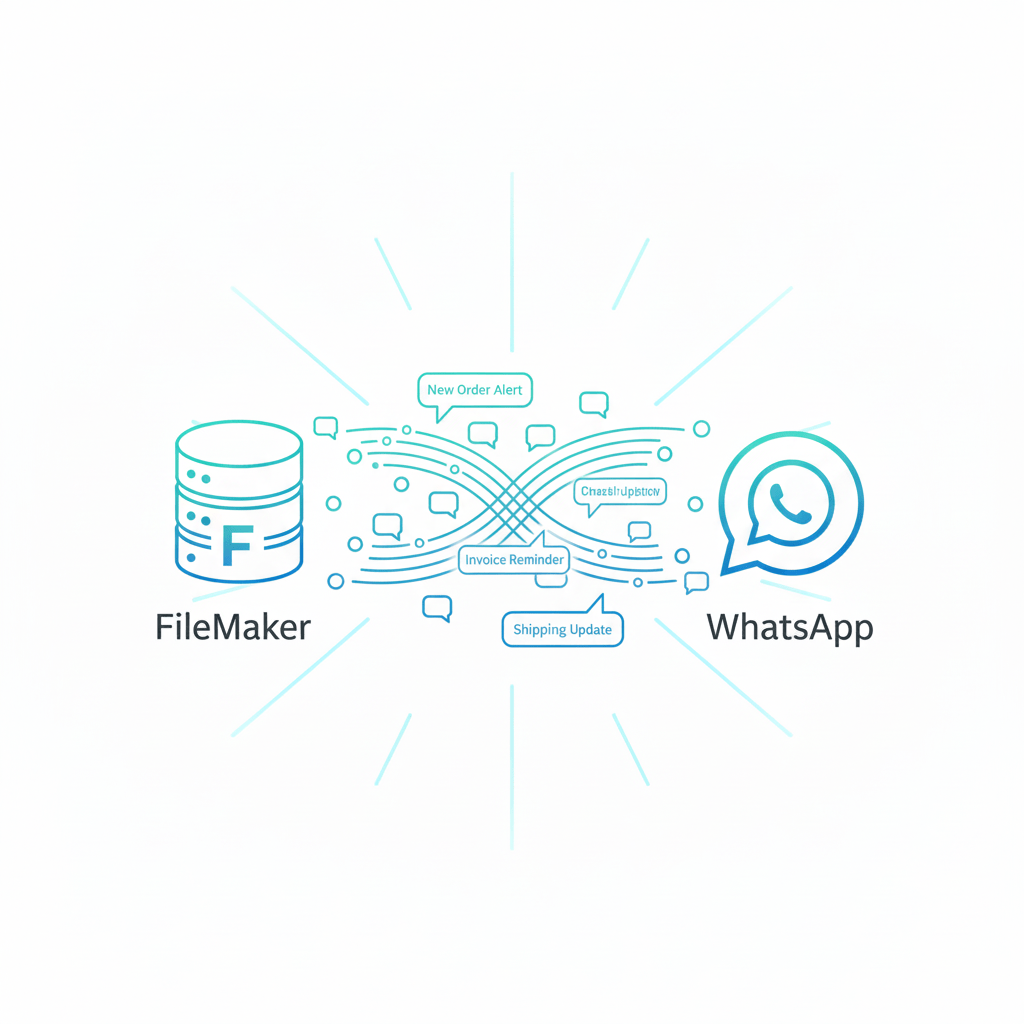
Communication is crucial in today’s business environment. WhatsApp dominates customer communication with instantaneous, real-time interaction, while FileMaker assists teams in managing and automating internal data.
Businesses can connect databases directly with the most widely used messaging app in the world by integrating FileMaker with WhatsApp, which unlocks an entirely new level of efficiency. This integration seamlessly connects your data system and direct communication channel, whether you’re automating customer support, sending alerts, or confirming orders.
Why Integrate FileMaker with WhatsApp?
FileMaker manages structured business data — from customers and sales to inventory and projects. WhatsApp, on the other hand, is where real conversations happen.
When these two systems work together, you can:
- Send automated messages directly from FileMaker.
- Trigger WhatsApp alerts based on database events (like a new order or payment confirmation).
- Provide customer support updates in real-time.
- Track message delivery and responses within FileMaker.
This isn’t just integration — it’s automation meeting communication.
How the Integration Works
1. Using WhatsApp Business API
The WhatsApp Business API is the backbone of this integration. It allows developers to programmatically send and receive messages.
In a FileMaker context:
- You can use FileMaker scripts with cURL and JSON to communicate with the WhatsApp Business API.
- Each message request includes authentication (via an API key or token) and a payload (the message content).
- The message can be sent automatically when a certain condition in FileMaker is met — for example, when an order’s status changes to “Ready for Delivery.”
Example Workflow:
- A new order record is created in FileMaker.
- A script runs automatically, sending a WhatsApp confirmation message to the customer.
- The message status (sent, delivered, read) is logged back into FileMaker via API response.
2. Using Third-Party WhatsApp Gateways
For teams that want to skip direct API complexity, third-party services like:
- Twilio API for WhatsApp
- 360Dialog
- WATI
- Vonage
can act as the bridge between FileMaker and WhatsApp.
You can send requests from FileMaker (via cURL) to these platforms’ APIs, which handle the WhatsApp delivery part.
These gateways often include templates, opt-in management, and analytics, making them ideal for scalable business communication.
3. Using Claris Connect
If coding isn’t your comfort zone, Claris Connect offers a low-code alternative.
While Claris doesn’t have a native WhatsApp connector (yet), you can integrate through webhooks or third-party apps like Twilio or Zapier.
Example:
- A new “Customer Inquiry” record in FileMaker automatically triggers a Claris Connect flow.
- That flow uses Twilio to send a WhatsApp message to the customer confirming receipt of their inquiry.
Use Cases for FileMaker–WhatsApp Integration
1. Order and Delivery Notifications
Automatically notify customers via WhatsApp when:
- An order is confirmed.
- A package is dispatched.
- A payment is received.
2. Appointment Scheduling
Send automated reminders or confirmations to clients directly from your FileMaker CRM or booking system.
3. Customer Support & Follow-Ups
Track support requests in FileMaker and automatically message customers through WhatsApp for updates or feedback.
4. Marketing & Promotions
Send pre-approved WhatsApp template messages about promotions or offers — all triggered from FileMaker records.
5. Internal Alerts
Notify team members about key database events (like a new lead or system alert) via WhatsApp group messages.
Benefits of FileMaker–WhatsApp Integration
✅ Instant Communication: Deliver messages directly where users are most active.
✅ Automation Efficiency: Reduce manual communication tasks with trigger-based workflows.
✅ Better Customer Experience: Provide fast, personalized updates.
✅ Data Synchronization: Keep message logs, delivery reports, and replies organized in FileMaker.
✅ Scalability: Support for thousands of automated messages per day.
Implementation Best Practices
- Use Verified WhatsApp Business Accounts to build trust with customers.
- Obtain User Consent before sending messages to comply with WhatsApp policies.
- Structure Message Templates (for Twilio or other APIs) clearly and professionally.
- Test Thoroughly in a sandbox environment before going live.
- Secure Your API Keys and use encryption where possible.
Conclusion
The FileMaker + WhatsApp integration represents a fusion of automation and communication — bringing your business closer to customers in real time.
Whether you’re using Twilio, Claris Connect, or direct API scripting, this setup can revolutionize customer engagement. It ensures your data-driven workflows aren’t just efficient but also conversational.
At idiosol, we help businesses transform FileMaker systems into fully connected ecosystems — where every update, order, and customer interaction happens smoothly and smartly.


