
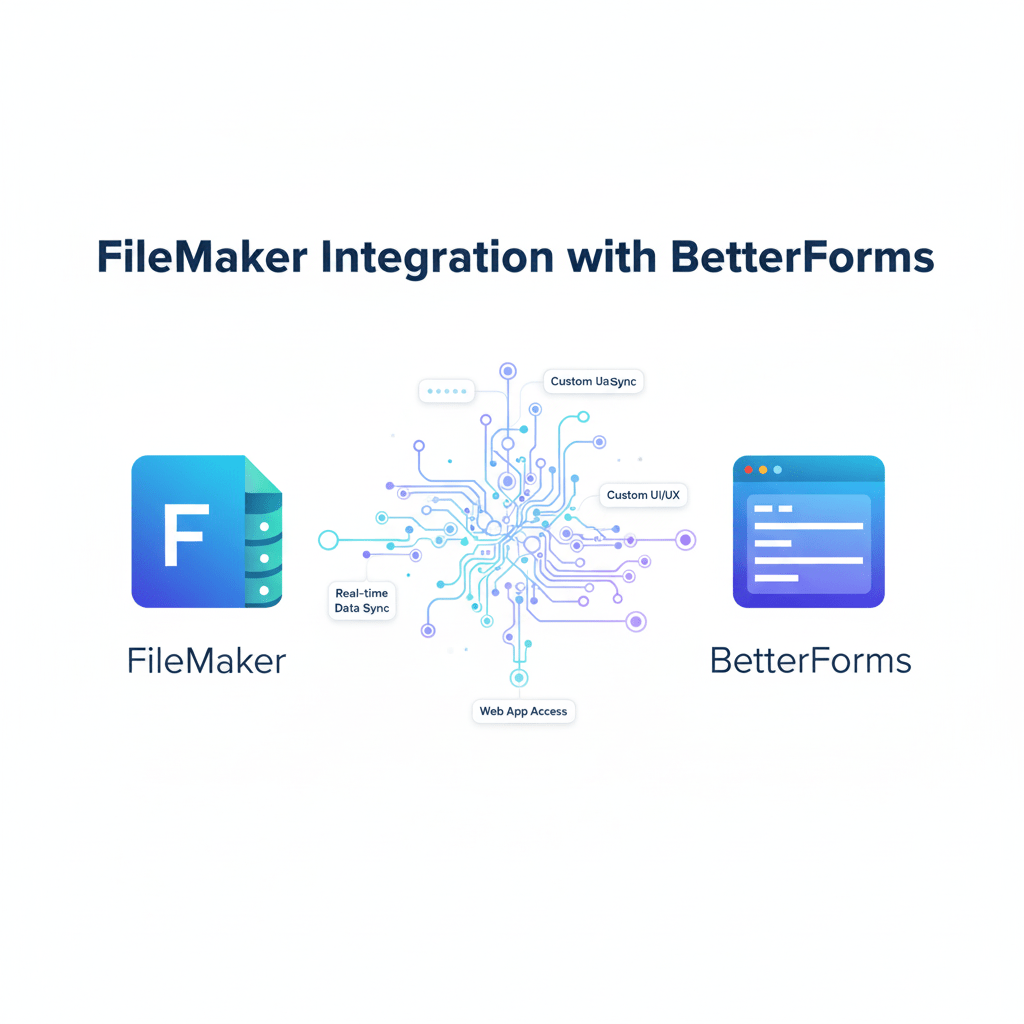
FileMaker continues to be a powerhouse platform for custom business applications. However, turning a FileMaker solution into a modern web app that scales effortlessly, supports multi-tenant environments, and offers sleek user experiences has long been a challenge. Enter FM BetterForms — an innovative tool designed to seamlessly integrate FileMaker with the web, revolutionizing how businesses leverage their existing FileMaker data on the internet.
What is FM BetterForms?
FM BetterForms is a front-end development and hosting tool that connects your FileMaker Server with modern web technologies. Unlike FileMaker WebDirect which runs FileMaker interfaces directly in browsers, BetterForms takes a different approach — it acts as a bridge that translates your FileMaker data into responsive, dynamic web applications that behave exactly as users expect from any professional web app.
It supports integrations with FileMaker Server (version 16 and above, with preferred use of v17+ for enhanced Data API support), whether hosted on-premises or on the cloud (excluding Claris Cloud currently). The tool provides developers with a rich interface to build web apps while maintaining the core FileMaker business logic intact on the back end.
How BetterForms Integrates with FileMaker
Integration is straightforward but involves a few key steps to establish secure, high-performing connections:
-
FileMaker Server Configuration: Enable the XML Custom Web Publishing (CWP) gateway or the Data API on your FileMaker Server. For v17+, enabling XML gateway requires command-line configuration. A valid TLS certificate is mandatory for secure Data API usage.
-
Helper File Setup: FM BetterForms requires a helper FileMaker file with a secure BetterForms user account configured with appropriate privileges (Data Entry Only with fmxml and/or fmrest extended privileges). This helper file acts as a connector to your main FileMaker solution.
-
Password Synchronization: The BetterForms user password configured in the helper file must exactly match a user account’s password in your main FileMaker app to allow seamless data exchange.
-
Server Performance: Adequate CPU and reliable internet connection (preferably data-center quality) are essential to handle scalable web transactions and heavy data loads.
This setup lays the foundation for real-time, bi-directional data integration between your FileMaker backend and your BetterForms web front end.
Key Features and Benefits
FM BetterForms extends the capabilities of FileMaker in several impactful ways:
-
Professional Web Interface: Build polished, user-friendly web apps that are mobile responsive with built-in navigation and design customization. Components are designed for seamless desktop-to-mobile adaptation.
-
Robust Authentication: Supports username/password logins, URL hashing, web-based sign-up forms, and integration with external OAuth providers for advanced security.
-
Real-time Sync: Changes on the FileMaker backend or web app instantly sync, ensuring data integrity and up-to-date information across all platforms.
-
Multi-Tenant Support: Develop applications capable of serving multiple customers or users with data separation and customization.
-
Validation and Logic: Implement extensive data validation and business logic enforcement within both the FileMaker backend and web app layers.
-
Version Control: Built-in versioning tools allow easy rollbacks and management of app updates, improving development agility.
-
Component-Based Development: Use pre-built, reusable UI components to accelerate development workflows, with AI-powered tools further enhancing design efficiency.
Use Cases and Examples
-
Healthcare Clinic Patient Registration: Custom multi-step forms tightly integrated with FileMaker backend to guide patients through personalized registration pathways.
-
Artwork Approval Workflow for Game Developer: External web app interface permits remote approvers to view, comment, and approve designs triggered from the FileMaker system.
-
COVID Screening Project Startup: Rapid deployment of data collection forms for employer-managed health symptom tracking.
How BetterForms Compares to FileMaker WebDirect
| Aspect | FileMaker WebDirect | FM BetterForms |
|---|---|---|
| User Experience | Runs FileMaker layout in browser | Fully customizable web UI |
| User Base Flexibility | Best for known user bases | Ideal for unknown and varied user audiences |
| Browser Behavior | Limited (e.g., back/forward buttons issue) | Behaves like typical web apps |
| Customization | Limited to FileMaker layouts | Extensive with web tech and custom components |
| Authentication | Basic FileMaker credentials | Supports OAuth, web sign-up, multi-factor |
| Scalability | Moderate | High with multi-tenant support |
Getting Started with FM BetterForms
To start integrating BetterForms with your FileMaker solution:
-
Ensure you have FileMaker Server v16+ with Data API or CWP enabled.
-
Download and configure the BetterForms helper file, setting secure credentials.
-
Set up your FileMaker app to include the BetterForms user with matching privileges.
-
Use the BetterForms IDE to create and deploy your web application, making use of starter templates and components.
-
Secure your app with authentication methods suited to your business needs.
FM BetterForms offers a trial period allowing developers to explore its powerful feature set before full rollout.
Security Considerations
Data transmitted between BetterForms and FileMaker Server uses SSL/TLS encryption. The platform also supports OAuth and multi-factor authentication, providing robust security layers suitable for sensitive business data.
Conclusion
FM BetterForms empowers FileMaker developers to bring their apps into the modern web era without abandoning their existing infrastructure. Its ease of setup, customizable web interfaces, robust authentication, and real-time data syncing make it an indispensable tool for any serious FileMaker-powered business looking to expand their reach and improve user experience.
Unlock the full potential of your FileMaker data today by integrating with FM BetterForms and building scalable, flexible web applications that meet modern expectations.


