
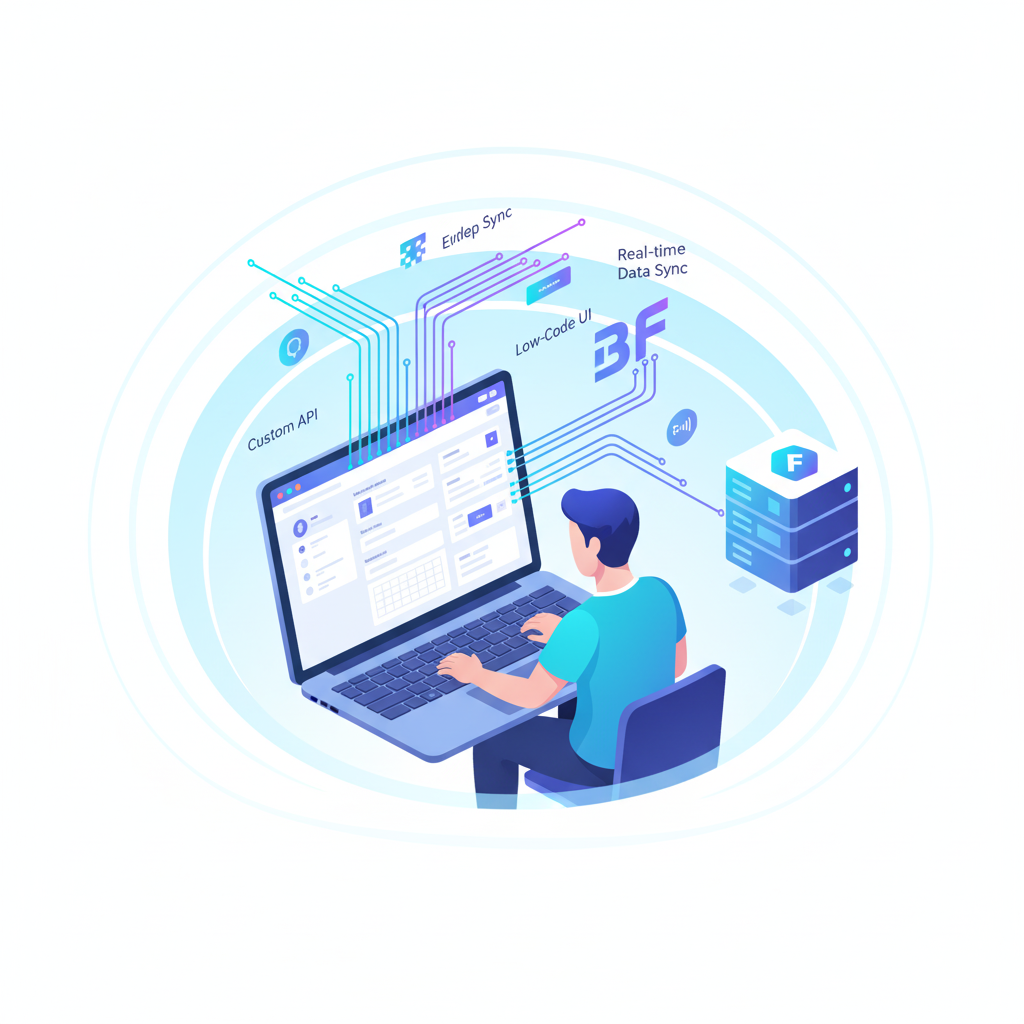
What is FM BetterForms
FM BetterForms is a high-performance single-page web application (SPA) framework built specifically to extend the reach of FileMaker Pro/Server-based solutions. According to its documentation, it allows FileMaker database developers to build modern, responsive web applications and forms “without any deep knowledge of JavaScript or web technologies.”
In simpler terms: If you have a FileMaker backend and you want to expose it to the web (browser, tablets, phones) with a richer UI than standard web publishing, BetterForms can act as the front-end framework.
Core purpose & value
Here are some of the key reasons why organizations use BetterForms:
- It leverages your existing FileMaker investment. Instead of rebuilding your database in a fully web-centric stack, you can use BetterForms as a “bridge” to web interfaces.
- It offers responsive design out of the box: desktops, tablets, mobile devices.
- It brings modern UI/UX and web-app features (SPA, progressive web apps, workflows) to FileMaker developers who may be less comfortable writing heavy JavaScript frameworks.
- It integrates deeply with FileMaker’s Data/REST APIs and underlying logic (scripts, calculations) so business logic can stay largely in your FileMaker solution, while BetterForms handles the front end.
How it works – at a high level
Here’s a basic flow of how BetterForms is used:
- Back end: You have a FileMaker Server (and file(s)) with your data tables, scripts, business logic, security, etc.
- Install Helper File: There is a “helper” FileMaker file you set up (on your server) which enables the integration with BetterForms.
- BetterForms Platform: You use BetterForms’ web-IDE (or dashboard) to create “sites” and “pages”. In those pages you drag-and-drop elements, define data models, set actions, configure validation, etc.
- Pages & UI: Build pages with elements like inputs, selects, tables, wizards, modals, file uploads, etc. They interact with your FileMaker backend (via Data API, XML Gateway, or other integration methods) and can fetch/update data, trigger business logic, etc.
- Authentication & Security: BetterForms supports multi-mode authentication (email+password, OAuth, custom domains, roles) and role-based access control, integrating with FileMaker’s authentication or other identity providers.
- Deployment: You can develop in staging/dev environments, test, then deploy to production. It supports versioning, rollback, and environment separation.
Key features
Some of the standout features of BetterForms include:
- Fully responsive UI design: desktop, tablet, mobile.
- Progressive Web App (PWA) support: installable on devices.
- Multi-mode authentication & role-based access.
- Form/wizard layouts: multi-step forms, master-detail pages.
- Rich page elements: data tables, file uploads, advanced selects, signature capture, calendars, etc.
- Action processing engine: client & server-side actions, validation, workflows.
- Reactive JS calculation engine: do on-the-fly calculations in UI.
- Integrations with payment gateways (Stripe, PayPal, Authorize.net) for monetizing apps.
Why it matters for FileMaker developers
For developers already invested in FileMaker, BetterForms provides:
- A path to modern web UI without rebuilding the whole backend.
- Helps bridge the gap between desktop-centric FileMaker solutions and web/mobile expectations.
- Reduces learning curve compared to building a web app from scratch (with React/Angular/Vue + backend + API layer).
- It retains FileMaker’s strength (data modeling, scripts, relationships) while adding a modern presentation layer.
What you can develop with FM BetterForms
Communication is crucial in today’s business environment. WhatsApp dominates customer communication with instantaneous, real-time interaction, while FileMaker assists teams in managing and automating internal data.
After learning more about BetterForms, let’s examine the types of applications that can be created using it. In essence, any program that must make FileMaker data accessible to web or mobile users—and many more beyond that.
1. Web forms & data capture portals
- Customer submission portals: forms on the web where customers input info, which syncs back to FileMaker.
- Multi-step wizards (e.g., onboarding flows) with validations and branching logic.
- File uploads (images, documents) via UI elements, connected back to FileMaker file containers or external storage (S3 etc).
- Data validation client-side and server-side, with custom alerts/modals.
2. Staff / partner web dashboards
- Internal dashboards for employees or partners: access via browser, mobile, etc.
- Role-based access: different users see different sections/pages depending on role.
- Interactive data tables, sortable/filterable lists, ability to drill into detail records, edit data, trigger scripts.
- Summary/analytics views: charts (via JS libraries integrated), reporting surfaces.
3. Customer / client portals
- Give your customers / clients a secure web portal: view their data, update their info, submit requests.
- Provide mobile-friendly interface (responsive, PWA).
- Could integrate payments (via Stripe/PayPal) if you’re offering subscription or transactions.
4. Mobile-friendly web apps / PWAs
Since BetterForms is SPA-based and supports PWA features, you can build:
- Installable web apps for mobile devices: users “add to home screen”, offline caching, etc.
- Mobile-first design: good for tablets/phones, for field workers collecting data, inspections, audits.
- Synchronization with FileMaker backend: field data flows back to server.
5. Embedded widgets / external site integration
If you have an existing website and you want to embed specific interactions with your FileMaker data:
- You can build “widgets” (forms, data lookup, mini-apps) that sit inside your website and connect to FileMaker via BetterForms.
- For example: a “customer lookup” portal embedded into marketing site; or a “schedule appointment” widget that writes back to FileMaker.
6. Workflow & business process automation
Beyond just UI, BetterForms supports actions/scripts and workflow logic:
- You can build multi-step processes: e.g., a form data submission triggers a FileMaker script, changes status, sends notifications, and then the UI transitions to next step.
- Build “wizard” flows, approval processes, master-detail data capture, etc.
- Custom JS calculations in UI plus FileMaker logic behind the scenes provide powerful automation.
7. External integrations & services
- Use BetterForms to integrate FileMaker with other services: payment gateways (Stripe/PayPal), external APIs, webhooks.
- For example, you might build a subscription sign-up in BetterForms, integrate with Stripe, then write back to FileMaker, triggering further workflows.
- Data API or XML Gateway connection means you can pull/push data from FileMaker out to the web-app built via BetterForms.
Example use-cases
- Healthcare clinic: Patient intake forms on tablet, upload images, sign consent, write directly to FileMaker; staff dashboard for reviewing submissions.
- Manufacturing firm: Mobile inspection app for field technicians to capture data on site, sync back to FileMaker; management dashboard to review results.
- Customer support portal: Clients log in to view open tickets (stored in FileMaker), update status, upload attachments; staff interface built in BetterForms.
- Subscription service: Web signup (BetterForms) → payment (Stripe) → FileMaker record creation → automated workflow.
Things to keep in mind / best-practices
While BetterForms offers a lot of power, successful implementation often depends on good planning. Here are tips:
- Backend readiness: Your FileMaker solution must be well-designed for web usage: optimized data model, scripts that can be triggered, API endpoints enabled.
- Define scope: Decide what parts of your FileMaker system you expose via BetterForms vs what stays internal. Not everything may need to be web-facing.
- Security & authentication: Use role-based access carefully; ensure strong authentication, SSL/TLS, domain controls. BetterForms supports many authentication modes.
- Performance: For web apps, performance expectations are higher. Use caching, optimize queries, limit payload sizes. BetterForms docs mention optimization topics.
- Responsive UI design: Make sure your page-design works across devices. BetterForms is responsive, but you still design the UI thoughtfully (touch targets, screen sizes).
- Versioning & deployment: Use separate dev/staging/production environments. BetterForms supports this.
- User experience: Especially when adding web functionality for non-technical end-users, ensure the UI is intuitive. BetterForms provides many UI elements/plugins, but you still must design for users.
- Maintenance & support: Keep in mind that while the front end is provided by BetterForms, your FileMaker solution still needs maintenance (scripts, data integrity, backups).
- Skill set: Even though BetterForms claims less deep JS knowledge is needed, for more advanced customization you’ll still need good web dev skills (JS, CSS, integration, etc).
- Licensing/hosting: Understand the licensing model for BetterForms, hosting requirements (FileMaker server + BetterForms setup), and costs.
Summary
FM BetterForms is a powerful bridge technology for hooking your FileMaker solution into modern web interfaces. It allows you to build:
- Rich web forms and portals
- Responsive dashboards and PWAs
- Embedded widgets or customer/partner portals
- Data-driven workflow applications
- Integrations with payments, external APIs
If you already have a FileMaker-based system and want to extend it to the web without rebuilding everything from scratch, BetterForms is a compelling option.


