
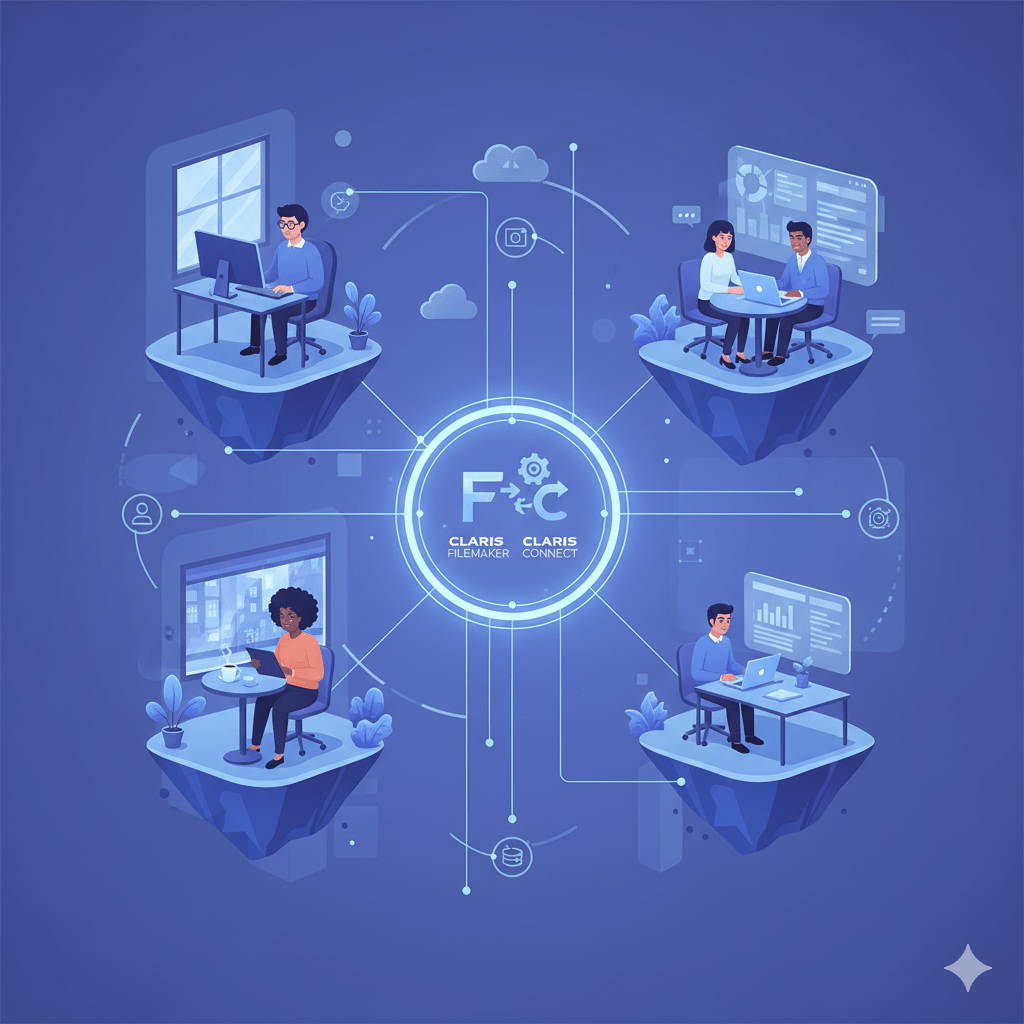
In today’s dynamic work environment, remote teams require robust, flexible, and secure tools to maintain productivity and collaboration. Claris, an Apple company, offers a suite of solutions designed to empower remote teams by providing seamless access to data, fostering real-time collaboration, and integrating various applications to streamline workflows. This blog delves into how Claris facilitates connected workflows for remote teams, ensuring business continuity and efficiency.
1. Cloud-Hosted Solutions for Seamless Access
Claris FileMaker Cloud provides a cloud-hosted environment that eliminates the need for managing server hardware, software, and network infrastructure. This setup ensures that remote teams can access their applications and data from any device, at any time, without the complexities associated with on-premise hosting .
Key benefits include:
- Global Accessibility: Teams can work from anywhere, ensuring business continuity.
- Automatic Backups: Data is backed up every 20 minutes, reducing the risk of data loss.
- Scalability: Easily scale resources to meet the growing needs of the business.
2. Real-Time Collaboration with Claris FileMaker Go
Claris FileMaker Go extends the capabilities of FileMaker to mobile devices, allowing team members to access and update data in real-time. Whether in the field or working remotely, users can interact with their custom applications, ensuring that information is always up-to-date and accessible.
Features include:
- Offline Access: Work without an internet connection and sync changes once reconnected.
- Touch-Friendly Interface: Optimized for mobile devices, enhancing user experience.
- Secure Data Handling: Ensures data integrity and security on mobile platforms.
3. Workflow Automation with Claris Connect
Claris Connect is a cloud-based integration platform that automates workflows by connecting various applications and services. Remote teams can create automated processes that span multiple tools, reducing manual tasks and enhancing efficiency.
Capabilities include:
- Prebuilt Connectors: Integrate with popular applications like Slack, QuickBooks, and Google Workspace.
- Custom Workflows: Design workflows tailored to specific business needs.
- Event-Driven Automation: Trigger actions based on specific events, streamlining operations.
4. Enhanced Security and Compliance
Security is paramount for remote teams handling sensitive data. Claris FileMaker Cloud adheres to industry standards, offering features that ensure data protection and compliance.
Security features include:
- SOC 2® Type 2 Certification: Demonstrates commitment to security and confidentiality.
- ISO/IEC 27001 and 27018 Certifications: Ensures information security management and protection of personal data in the cloud.
- Role-Based Access Controls: Restrict access to data based on user roles, enhancing data security.
5. Integration with Existing Tools
Claris solutions are designed to integrate seamlessly with existing business tools, allowing remote teams to continue using their preferred applications while benefiting from the enhanced capabilities of Claris.
Integration features include:
- Custom Connectors: Build connectors for proprietary software or applications with REST APIs.
- Unified Data Access: Consolidate data from various sources into a single platform.
- Streamlined Operations: Reduce the need for switching between multiple applications, improving efficiency.
Conclusion
Claris offers a full range of tools that enable remote teams to collaborate, work effectively, and safely. Businesses can guarantee that their remote teams stay connected and productive no matter where they are by utilizing cloud-hosted solutions, real-time mobile access, workflow automation, strong security measures, and seamless integrations. By adopting Claris solutions, businesses can stay competitive and adjust to the changing nature of the workplace.


