
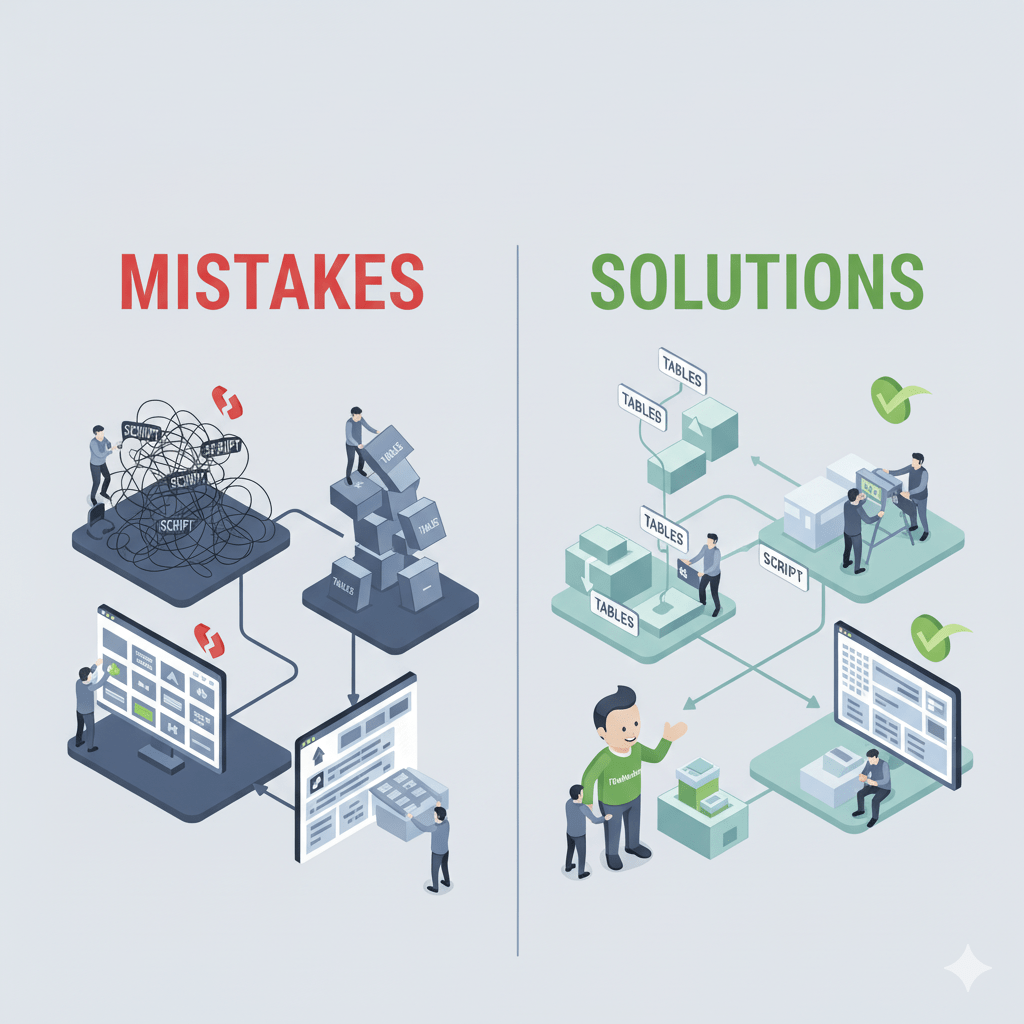
Developers can quickly create distinctive business apps for desktop, mobile, and web platforms with the help of the FileMaker platform (now Claris FileMaker), a powerful low-code environment. However, as with any flexible platform, novices often make mistakes that limit maintainability, scalability, and performance.
Whether you’re starting your first professional FileMaker project or moving away from spreadsheets, knowing these mistakes and how to avoid them can save you hours of frustration and rework later.
1. Ignoring Data Structure and Relationships
The Mistake:
Many new developers rush into layouts and scripts without properly designing the database schema. They often use flat tables or duplicate data across multiple tables, which leads to inconsistencies and difficult maintenance.
The Fix:
Take time to plan your Entity-Relationship Diagram (ERD) before building.
- Identify key entities (e.g., Customers, Orders, Products).
- Define primary and foreign keys.
- Normalize your data to avoid duplication.
- Test relationships using the Relationship Graph in FileMaker.
A strong data model ensures your solution scales smoothly and makes reporting or automation far easier later.
2. Overusing Global Fields or Variables
The Mistake:
Global fields and variables are convenient but often misused. New developers store session data or temporary values in them without realizing these don’t persist across users or sessions.
The Fix:
Use globals and variables strategically:
- Globals: Great for user preferences or temporary interface filters.
- Variables ($ or $$): Ideal for scripts or session context but not for permanent data.
If data needs to persist, store it in actual tables and fields.
3. Building Without Naming Conventions
The Mistake:
Beginners often create fields, layouts, and scripts with vague names like “calc1,” “layout_new,” or “script2.” Over time, this creates chaos and makes debugging painful.
The Fix:
Adopt clear naming conventions from day one. For example:
- Tables:
tbl_Customers,tbl_Invoices - Fields:
pk_CustomerID,fk_InvoiceID - Scripts:
NAV_GoToCustomerList,PROC_GenerateInvoice
Consistent naming helps you and your teammates instantly understand what each element does.
4. Ignoring Security and Privilege Sets
The Mistake:
A common rookie error is leaving Full Access privileges for all users. This exposes your data and scripts to accidental modification or deletion.
The Fix:
Implement account-based access and privilege sets early on:
- Create different roles (Admin, Manager, Staff, Viewer).
- Restrict sensitive layouts, fields, and scripts.
- Use FileMaker’s record-level access to control who can view or edit specific data.
Security isn’t an afterthought — it’s foundational to any professional-grade FileMaker solution.
5. Skipping Script Optimization
The Mistake:
Beginners often write long, repetitive scripts without modularity. This makes maintenance hard and slows performance.
The Fix:
- Use modular scripting — break large scripts into smaller, reusable sub-scripts.
- Take advantage of script parameters and results.
- Always test with the Script Debugger and Data Viewer.
Optimized scripting makes your solution cleaner, faster, and easier to debug.
6. Neglecting User Experience (UX) Design
The Mistake:
New FileMaker developers focus heavily on functionality while ignoring layout design and usability. Clunky interfaces reduce user adoption, even if the backend logic is solid.
The Fix:
- Use FileMaker’s themes and styles consistently.
- Keep interfaces clean and minimal.
- Prioritize key user actions with clear buttons and navigation.
- Test layouts on multiple devices (desktop, iPad, iPhone).
Good design equals better productivity — and happier users.
7. Not Using FileMaker Server or Claris Cloud
The Mistake:
Some beginners host files peer-to-peer from a local workstation, which is unreliable and insecure.
The Fix:
Always use FileMaker Server or Claris Cloud for deployment.
These platforms provide:
- Automatic backups
- Secure data transmission (SSL)
- Multi-user concurrency
- Scheduled scripts and admin control
Proper hosting ensures reliability and professionalism for clients or internal teams.
8. Forgetting About Version Control and Backups
The Mistake:
New developers often make changes directly in live files without backups or version tracking — a single mistake can corrupt or lose critical data.
The Fix:
- Keep incremental backups daily or weekly.
- Use Git or version naming (e.g.,
v1.2_InvoiceSystem). - Test major updates in a clone or development copy before pushing live.
A disciplined backup strategy protects your work and your reputation.
9. Failing to Use Script Triggers and Automation Wisely
The Mistake:
Script triggers are powerful, but misused ones can cause loops or unexpected behavior — especially on layout load or record commit.
The Fix:
- Use them only when necessary.
- Test thoroughly for recursion or interference with user navigation.
- Document your triggers clearly so others know their purpose.
Controlled automation boosts user experience — uncontrolled triggers break it.
10. Not Engaging with the FileMaker Community
The Mistake:
Trying to solve every problem alone. FileMaker has one of the most active and helpful developer communities online, yet many beginners overlook it.
The Fix:
- Join forums like Claris Community, FMForums, or The FileMaker Discord.
- Read blogs and documentation from experienced developers.
- Explore open-source FileMaker libraries and tools.
Learning from the community accelerates your growth and helps you avoid repeating common mistakes.
Conclusion: Build Smarter, Not Harder
Every FileMaker developer starts somewhere — and mistakes are part of the learning process. The key is to build with structure, security, and scalability in mind from the beginning.
By planning your data model, naming consistently, prioritizing UX, and leveraging community wisdom, you’ll quickly move from “newbie” to professional FileMaker developer — delivering solutions that are efficient, elegant, and future-proof.


