Integrations & APIs
Claris FileMaker Development: A Practical Guide to Custom Business Applications
By FileMaker Programmer team8 min read
In this article
Most businesses do not start out wanting custom software. They start with a spreadsheet, add a cloud CRM, bolt on an accounting package and a shared inbox, and keep going until the day someone asks a simple question — “how many open jobs do we have for this customer?” — and nobody can answer it without opening four tools.
That is the moment many organisations look at Claris FileMaker. This guide explains what the platform is, how custom applications are built on it, where it works well and where it doesn’t, and how to plan a project so the result is something your team relies on rather than tolerates.
What Claris FileMaker is
Claris FileMaker is a low-code platform for building database applications. It is made by Claris, a subsidiary of Apple, and has been used for decades by businesses, schools, non-profits and public organisations to run everything from contact lists to multi-department operations.
A FileMaker solution combines several things that, in traditional development, would be separate pieces of work:
- A relational database — tables, fields and the relationships between them.
- Layouts — the screens people use to view and edit data, designed visually rather than coded.
- Scripts and calculations — the business rules, automations and workflows.
- Security — accounts, privilege sets and encryption.
- Deployment — FileMaker Server or FileMaker Cloud, which share the application with users on macOS, Windows, iPhone, iPad and in a web browser.
Because these pieces live in one environment, a skilled developer can move from an idea to a working screen quickly, then refine it with real users. That speed is the main reason companies choose FileMaker over a fully hand-coded application.
How custom business applications work
A custom business application is software built around a specific organisation’s data and processes. Instead of adapting your workflow to a generic product, the product is shaped to the workflow.
In practice, every custom application is made of three layers:
1. The data model
This is the foundation: which things you track (customers, products, jobs, invoices) and how they relate. A customer has many orders; an order has many line items; each line item points to a product. Getting this structure right early is the single most important factor in whether a system stays fast and reportable as it grows.
2. The workflow
Workflows describe how records move through your business — a quote becomes an order, an order is picked and shipped, an invoice is raised and paid. In FileMaker, this is expressed through scripts, status fields, validation rules and triggers that run when something changes.
3. The interface
Screens are designed per role. A warehouse picker needs large buttons and a barcode field on an iPad; a finance manager needs a dense list with totals on a wide monitor. Good custom software gives each person only what they need, in the order they need it.
Common use cases: CRM, inventory, operations and workflow
FileMaker is a general-purpose platform, but some categories come up again and again.
Customer relationship management
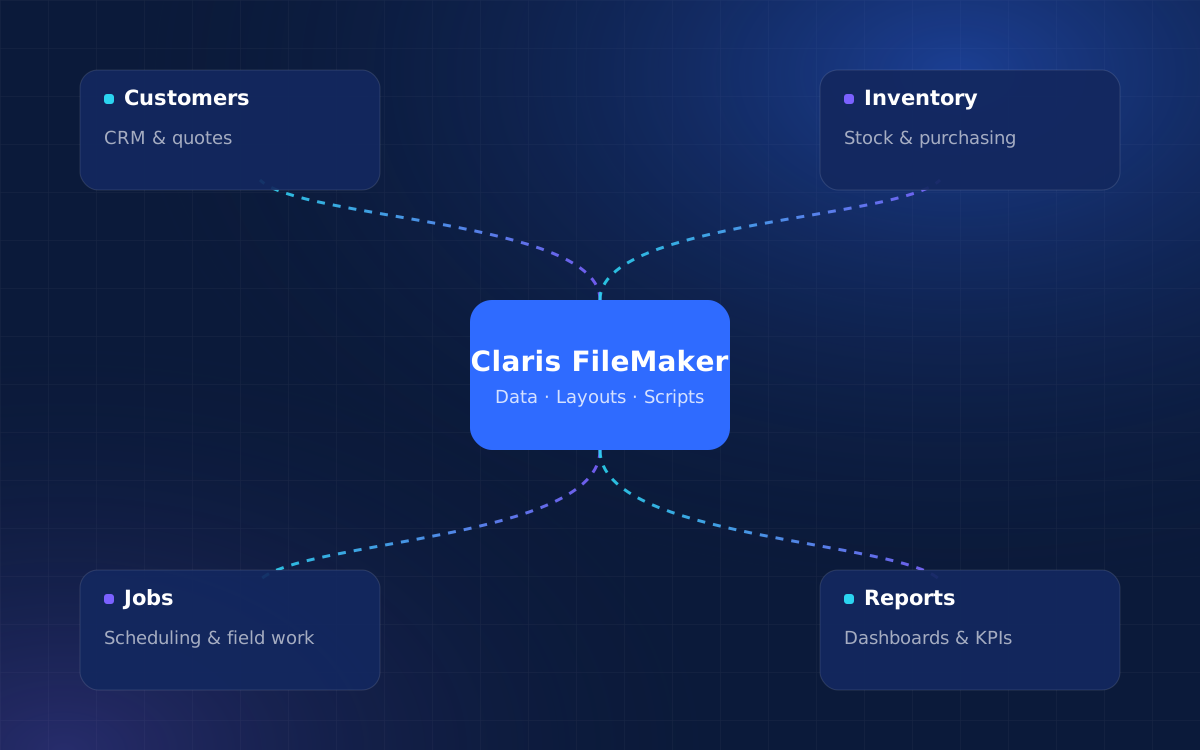
Many businesses find that off-the-shelf CRMs model sales pipelines well but struggle with what happens after the sale. A FileMaker CRM can hold contacts and opportunities alongside quotes, orders, service history and documents, so the whole customer relationship is visible on one screen.
Inventory and purchasing
Stock levels, purchase orders, receiving, pick lists and transfers between locations are naturally relational, which makes them a good fit. Barcode scanning on iPhone or iPad through FileMaker Go adds speed on the warehouse floor.
Operations and job management
Service companies use FileMaker to schedule technicians, track jobs, capture photos and signatures on site and turn completed work into invoices. Clinics, labs and agencies use it to manage appointments, cases and billing.
Internal workflow and approvals
Requests that bounce between email threads — purchase approvals, HR onboarding, quality checks — can become structured records with owners, statuses and automatic notifications.
You can see examples of these patterns in our case studies.
Benefits and limitations
No platform is right for everything. Here is a balanced view.
Where FileMaker is strong
- Speed of development. Visual layouts and a built-in database mean working software appears early, and changes ship quickly.
- Cross-platform delivery. One solution runs on desktop, iOS devices and the web.
- Ownership. The application and data belong to you, not to a SaaS vendor whose roadmap you can’t influence.
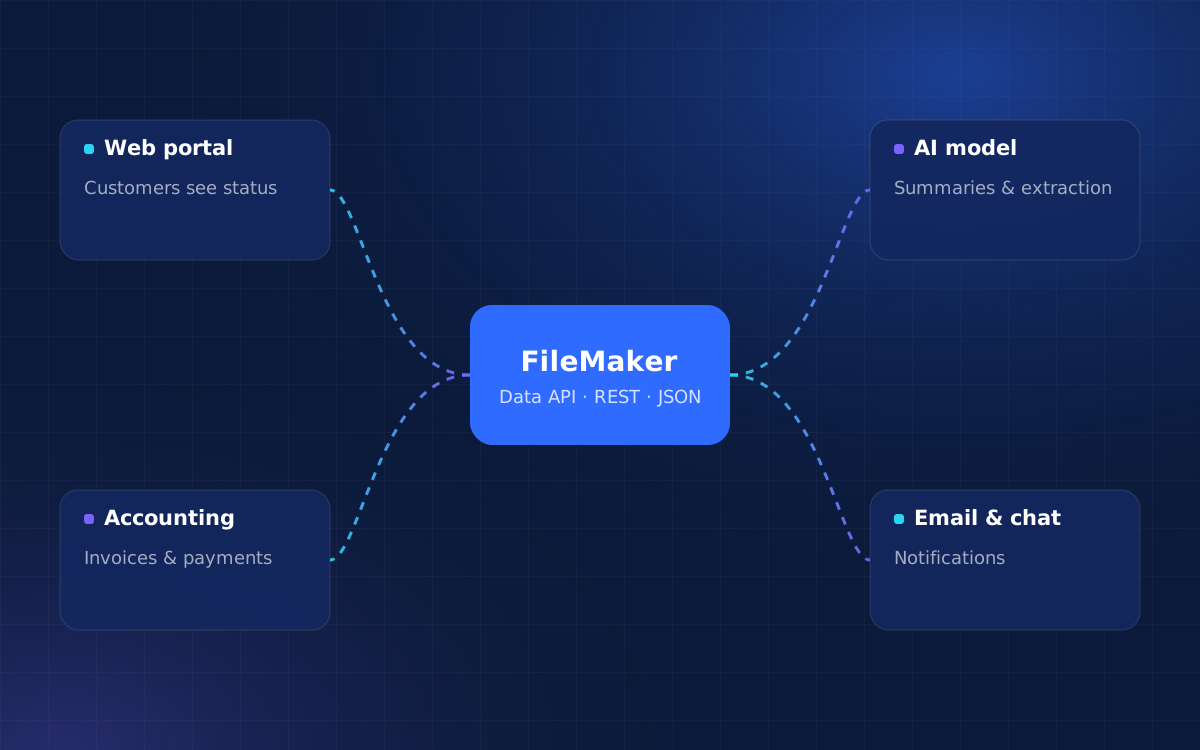
- Integration. FileMaker can call REST APIs, exchange JSON and expose its own data through the FileMaker Data API and OData.
- Security features. Encryption at rest and in transit, granular privilege sets and support for external authentication are built in.
Where it has limits
- Licensing cost per user. Every connected user typically needs a Claris licence. For very large user counts, the economics deserve careful comparison.
- Public, high-traffic web apps. FileMaker WebDirect is designed for internal users. For customer portals or large audiences, a web front end such as FmBetterForms or a custom web application is usually a better choice.
- Android. FileMaker Go is available for iPhone and iPad. Android users need a browser-based approach.
- Specialist workloads. Very large analytical datasets or heavy real-time processing are often better handled by dedicated tools that FileMaker connects to.
- Design quality depends on the builder. Because FileMaker is approachable, many systems grow without planning. Structure and conventions still matter.
Integration possibilities
A custom application rarely stands alone. FileMaker offers several ways to connect with the rest of your software:
- Outbound API calls from scripts, used to send invoices to accounting software, push orders to fulfilment partners or fetch data from online services.
- The FileMaker Data API, a REST interface that lets web apps, middleware and partners read and write FileMaker records securely.
- OData for reporting and analytics tools that understand that standard.
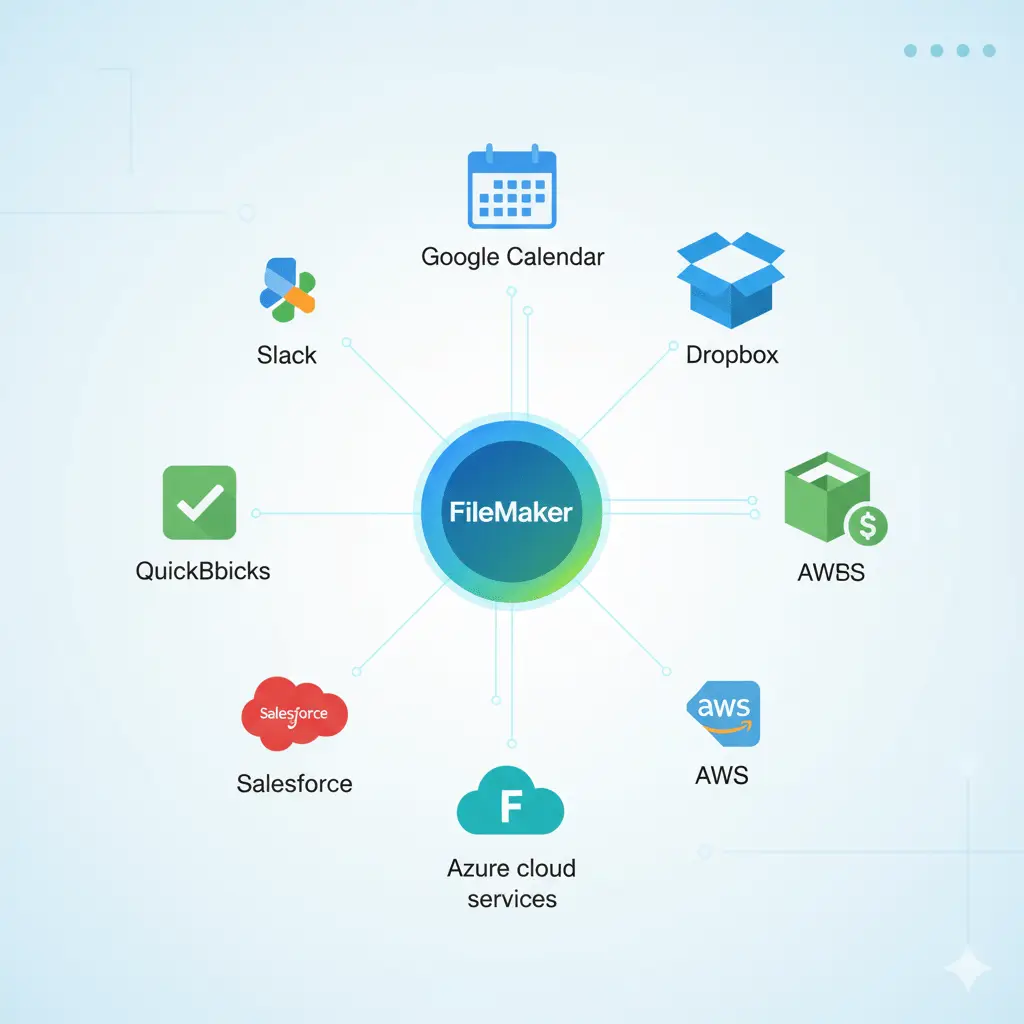
- Claris Connect for visual, no-code workflows between FileMaker and apps such as Slack, Salesforce and Google Workspace.
- Webhooks, received through a small web service, for real-time events from platforms like e-commerce stores.
We cover these in more depth in Connecting FileMaker with web applications, APIs and AI automation, and on our FileMaker integrations page.
Important planning considerations
Most custom software projects that disappoint do so because of decisions made — or skipped — at the start. These are the questions worth answering before development begins.
Start from the problem, not the feature list
Write down the three to five situations that cost your team the most time or cause the most errors. Those become the core of phase one. Everything else can wait for a later release.
Agree who owns each piece of data
If customer records exist in both FileMaker and your accounting package, decide which one is the source of truth and how the other is updated. This one decision prevents most integration headaches.
Plan for migration
Existing data in spreadsheets or an older database rarely imports cleanly. Budget time to de-duplicate, standardise and map fields, and decide what history you actually need.
Choose hosting early
FileMaker Cloud, a managed server and on-premise hardware each have different implications for security, cost and integrations. See our FileMaker hosting options for a comparison.
Prototype the risky parts
If one workflow is unusual or complicated, build a quick prototype of it first and put it in front of the people who will use it.
Budget for life after launch
Software that is used gets changed. Set aside time and budget for support, improvements and periodic reviews.
How to evaluate whether FileMaker fits your business
FileMaker tends to be a strong fit when most of the following are true:
- Your processes are specific enough that generic software forces awkward workarounds.
- Your users are mainly internal staff, partners or a manageable number of customers.
- You value being able to change the system quickly as the business evolves.
- Your team uses a mix of Mac, Windows, iPad and browser.
- You want to own your data and application rather than rent them.
It may be the wrong primary platform when you need a consumer-scale public product, deep Android-native features, or when an established industry package already fits your process with little customisation. In many cases the answer is a combination: FileMaker as the operational core, with a web layer or specialist tool alongside it.
If you are unsure, a short consulting session or a review of your existing system is usually enough to decide.
Frequently asked questions
How long does it take to build a FileMaker application?
Simple applications typically take two to four weeks, moderate systems one to three months, and complex multi-department solutions six months or more. Phased delivery means you can start using the most valuable parts early.
Can FileMaker handle multiple users at once?
Yes. When hosted on FileMaker Server or FileMaker Cloud, many users work in the same solution at the same time, with record locking to prevent conflicting edits.
Is FileMaker secure enough for sensitive data?
FileMaker supports encryption at rest and in transit, granular privileges and external authentication. Security still depends on correct configuration, hosting and good practices, which should be part of every project.
Can we move our spreadsheets into FileMaker?
Yes. Spreadsheet data can be imported, but it usually needs cleaning and restructuring into related tables first so the new system works properly.
Can our team make changes after launch?
With some training, administrators can often handle small changes such as new fields or reports. Larger changes are best made by an experienced developer to keep the structure sound.
Conclusion
Claris FileMaker is a practical way for a business to own software that fits how it actually works. Its strengths — fast development, cross-platform delivery and solid integration options — are real, and so are its limits around licensing, public web traffic and Android. Projects succeed when they start from concrete problems, settle data ownership and hosting early, and treat launch as the beginning rather than the end.
If you are weighing up a custom application, tell us what you are trying to fix. We will help you decide whether FileMaker is the right fit and what a sensible first phase would look like.
Related articles
Turn ideas into a working system
Share what you’d like to build or improve, and we’ll suggest a practical first step.