Project overview
The client is an established logistics business handling supply-chain management and order fulfilment from several locations. Its customer base was growing faster than the tools it had been using to keep track of stock and orders.
The challenge
Information lived in a mix of spreadsheets and separate systems, so nobody had a single, current view of the operation.
- Fragmented data
- Inventory, orders and customer details were kept in different places, which produced inconsistencies and duplicated work.
- Manual updates
- Stock levels and reports were updated by hand, consuming staff time and introducing errors.
- No live view
- Managers waited for compiled figures instead of seeing order and inventory status as it changed.
- Difficult tools
- Staff found the existing systems slow and awkward to navigate.
- Limits to growth
- The setup could not cope with rising data volume and complexity.
Requirements
- A single source of truth for inventory, orders and customers
- Automation of repetitive updates and notifications
- Real-time reporting for managers
- An interface usable by staff at every level
- Remote access for employees working away from the office
- An architecture that could absorb new workflows and users
The solution
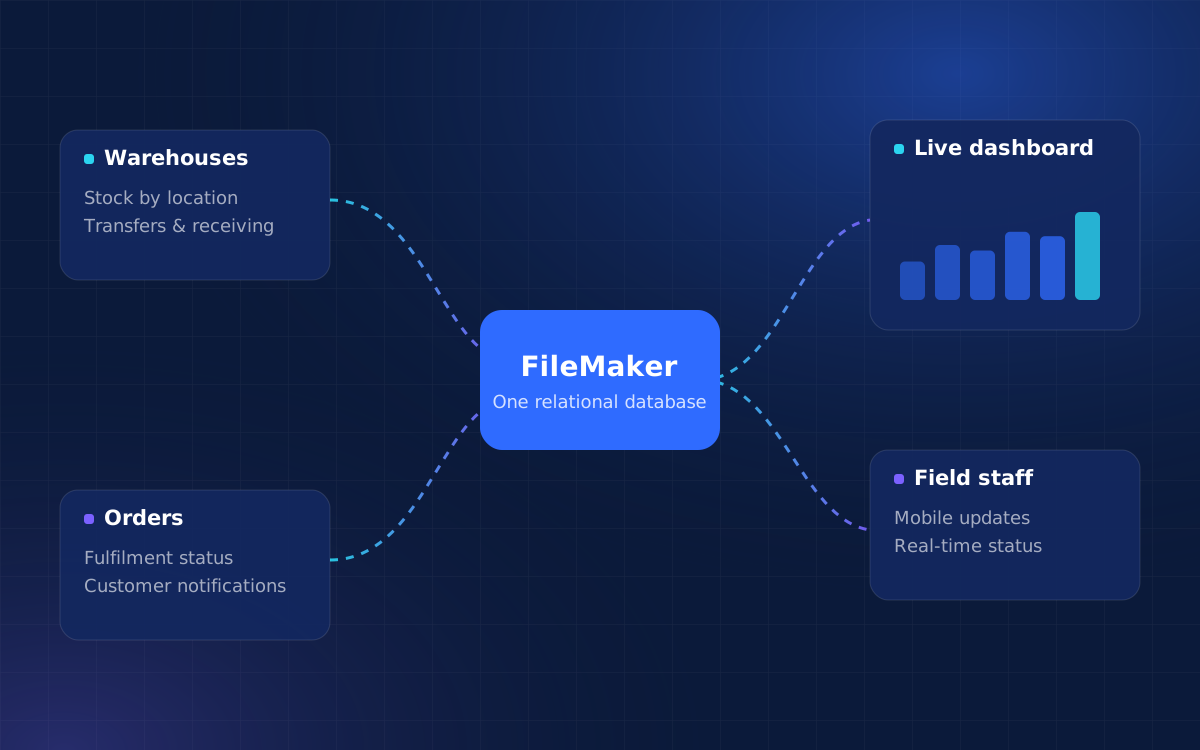
We designed and built a custom FileMaker solution that brought every part of the operation into one system.
- Relational database design
- Inventory, order processing and customer records were consolidated into one structure, removing the need for parallel systems.
- Automated workflows
- Scripts update stock levels, track orders and send customer notifications without manual input.
- Live dashboards and reports
- Inventory, order status and financial figures are visible as soon as they change, with search filters and interactive reports.
- Mobile-friendly access
- Field staff can view and update the system from phones and tablets.
How we implemented it
- 1
Map the operation
Document how stock, orders and customer information moved between sites and people.
- 2
Design the data model
Define the relational structure that would replace the spreadsheets.
- 3
Build and automate
Create the interface, scripts and reports, starting with the most error-prone processes.
- 4
Extend to the field
Add mobile access so updates happen where the work is done.
Results
- Less manual work
- Automating key processes and centralising data removed repetitive tasks and reduced errors.
- Accurate records
- Inventory, orders and customer details stayed current across the business.
- Faster decisions
- Managers worked from live dashboards rather than waiting for compiled reports.
- Easier daily work
- Staff found the new interface simpler to use for everyday tasks.
- Ready for growth
- New workflows, features and users could be added without a rebuild.
Why it matters
For an operations-heavy business, the biggest win is trust in the data. Once everyone works from the same live records, the time spent reconciling spreadsheets goes back into serving customers.