Migration & upgrades
FileMaker vs Supabase: Real Cost Comparison for a 10–50 User Business
By FileMaker Programmer team8 min read
In this article
- First, they are not the same type of product
- How FileMaker is priced
- How Supabase is priced
- The infrastructure bill alone
- The costs the infrastructure table leaves out
- Three-year total cost: worked examples
- When FileMaker is the better choice
- When Supabase (with a custom front end) is the better choice
- The middle path: keep FileMaker, add a web layer
- How to make the decision for your business
- Get an independent comparison for your system
- Frequently asked questions
FileMaker and Supabase come up in the same conversation more and more. A business running on FileMaker sees the per-user licence bill, hears that Supabase starts at $25 a month, and wonders whether switching would save thousands a year.
Sometimes it would. Often it would not, at least not for several years. The reason is that the two products are priced on completely different models, and they are not even the same kind of product.
This guide compares them on real numbers for teams of 10, 25 and 50 users, so you can see where each one actually wins.
First, they are not the same type of product
Claris FileMaker is a complete application platform. You get the database, the interface builder, the scripting engine, desktop and iPad apps (FileMaker Pro and FileMaker Go), browser access through WebDirect and hosting through FileMaker Cloud or FileMaker Server. One developer can build a working business app in weeks.
Supabase is a backend. You get a managed PostgreSQL database, authentication, file storage, real-time updates, auto-generated APIs and serverless functions. What you do not get is an interface. Every screen your staff use must be built separately, typically as a React, Vue or Next.js web app.
So the honest comparison is not “FileMaker vs Supabase”. It is:
FileMaker vs Supabase + a custom front end + someone to build and maintain both.
Keep that in mind as we look at the numbers.
How FileMaker is priced
FileMaker is sold as an annual subscription, priced per user. For FileMaker Cloud (hosted by Claris), the 2026 US list prices have been around:
Plan | Price | Users | Notes |
Starter | ~$22 per user / month | 5–10 | Up to 3 hosted apps, smaller storage allowance |
Max | ~$45 per user / month | 5–99 | Up to 125 hosted apps, larger storage allowance |
Both are billed annually. Claris has adjusted how and whether these prices appear on its website during 2026, and regional pricing differs, so confirm current figures before budgeting. If you self-host FileMaker Server instead, the licence is still per user, and you also pay for your own server, backups and administration.
Two limits matter for integration-heavy systems: storage allowances per user, and an outbound data-transfer allowance on the FileMaker Data API. Most small teams never hit them, but busy portals and integrations can.
The key point: FileMaker cost scales almost linearly with the number of named users.
How Supabase is priced
Supabase uses a flat plan fee plus usage-based charges:
Plan | Base price | Notes |
Free | $0 | For prototypes; projects pause after a period of inactivity |
Pro | $25 / month per organisation | Includes a small compute credit, 8 GB database storage, 100,000 monthly active users |
Team | $599 / month | Adds compliance and team features |
Enterprise | Custom | Larger organisations |
On top of the plan, each project pays for its compute instance. The Pro plan’s credit covers the smallest instance, and a production business app usually needs a modest upgrade. Extra database storage, file storage and bandwidth are billed by usage.
The key point: Supabase cost scales with data, compute and traffic, not with how many of your staff log in. Ten users and fifty users can cost almost the same.
The infrastructure bill alone
If you only compare platform fees, Supabase looks dramatically cheaper. Here is a rough annual comparison of the platform alone, using the FileMaker Cloud Max tier and a realistic small-business Supabase setup (Pro plan, a small compute upgrade, front-end hosting and storage):
Users | FileMaker Cloud Max (per year) | Supabase + web hosting (per year, estimate) |
10 | ~$5,400 | ~$1,000–2,000 |
25 | ~$13,500 | ~$1,000–2,500 |
50 | ~$27,000 | ~$1,500–3,500 |
This is the table that makes people want to migrate. It is also the one that leaves out the biggest costs.
The costs the infrastructure table leaves out
1. Building the application
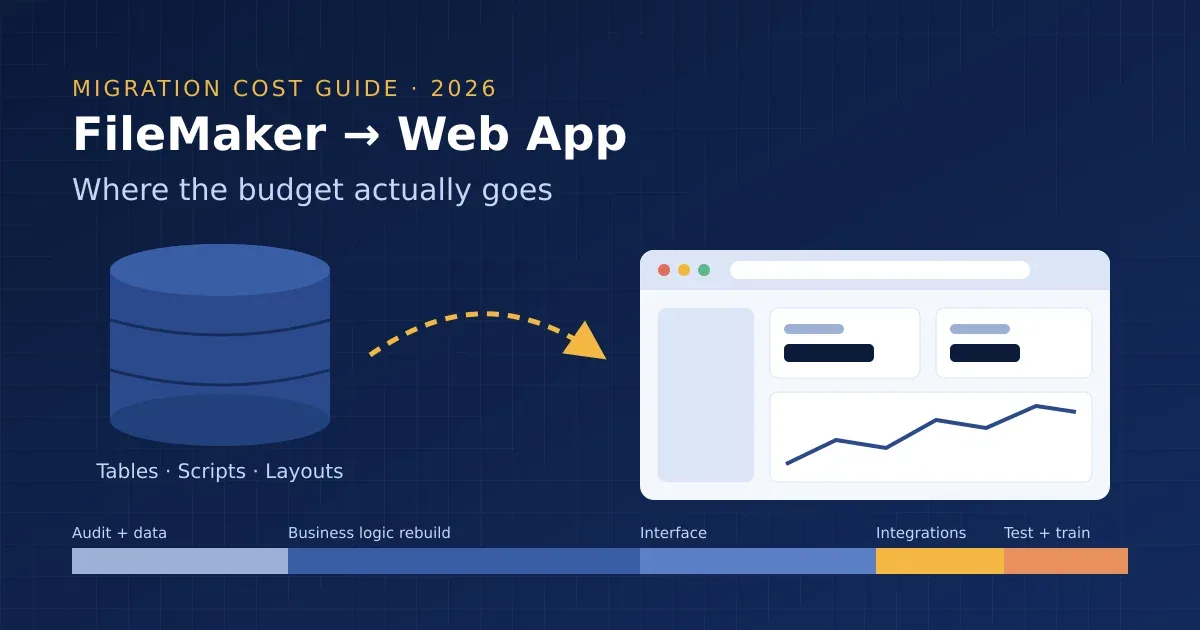
If you already have a working FileMaker system, moving to Supabase means rebuilding every screen, script, report and integration. As we covered in our guide to FileMaker to web app migration cost, a typical mid-sized business system needs roughly 400–1,000 developer hours.
Even for a brand-new project, a web stack usually takes longer to build than the same app in FileMaker, because the interface, permissions and reporting are all custom code.
2. Maintaining the application
A custom web app needs ongoing work: security updates, framework upgrades, dependency fixes, backups checks and small changes as your business evolves. Many businesses budget a monthly support retainer for this. FileMaker systems need maintenance too, but the platform handles much of the plumbing.
3. Skills and hiring
A FileMaker system can often be maintained by one experienced FileMaker developer. A Supabase-based app typically needs someone comfortable with PostgreSQL, row-level security, a JavaScript framework and deployment pipelines. Neither is better; they are simply different skill sets with different availability in your area.
Three-year total cost: worked examples
The examples below assume an existing, working FileMaker system that would need to be rebuilt to move to Supabase. The build cost uses 600 hours at an illustrative $60/hour ($36,000). Ongoing support is estimated at 10 hours a month for both options. Your rates and hours will differ, so treat this as a method rather than a quote.
3-year cost | 10 users | 25 users | 50 users |
FileMaker: licences (Max tier) | $16,200 | $40,500 | $81,000 |
FileMaker: support (360 h) | $21,600 | $21,600 | $21,600 |
FileMaker total | $37,800 | $62,100 | $102,600 |
Supabase: rebuild (600 h) | $36,000 | $36,000 | $36,000 |
Supabase: infrastructure | ~$4,500 | ~$5,500 | ~$7,500 |
Supabase: support (360 h) | $21,600 | $21,600 | $21,600 |
Supabase total | ~$62,100 | ~$63,100 | ~$65,100 |
What this shows:
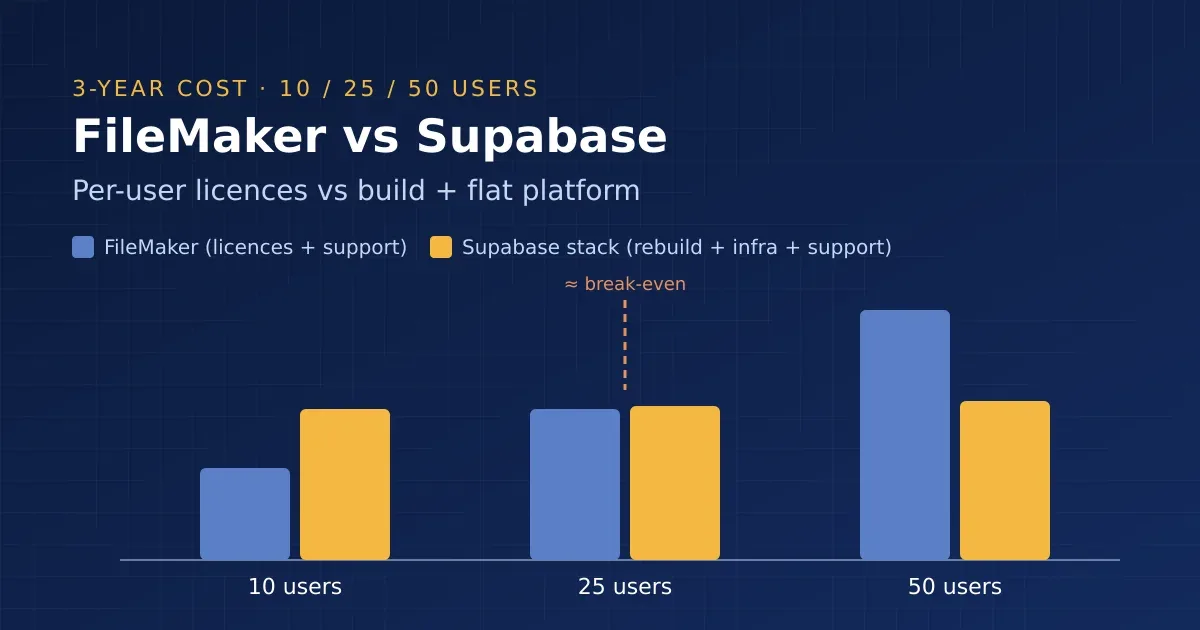
• At 10 users, staying on FileMaker is clearly cheaper over three years.
• At around 25 users, the two options are roughly level over three years, and Supabase pulls ahead after that.
• At 50 users, the Supabase route is substantially cheaper over three years, provided the rebuild stays in scope.
If your system is smaller than our example, the break-even point moves lower. If it is larger or more complex, it moves higher.
When FileMaker is the better choice
• Your team is mostly internal and under roughly 20–25 users.
• You already have a FileMaker system that works and is reasonably well built.
• Field staff rely on FileMaker Go, especially offline on iPads.
• You need to change the system often and quickly, without a full development cycle.
• You prefer one platform and one specialist over a multi-part stack.
When Supabase (with a custom front end) is the better choice
• You have 40+ users, or expect rapid growth in headcount.
• Customers, suppliers or contractors need logins. With per-user licensing, external users get expensive quickly.
• You are building a product you might sell to other businesses.
• You want a standard PostgreSQL database that any web developer can work with.
• You need a modern, branded customer-facing interface.
The middle path: keep FileMaker, add a web layer
Many businesses don’t need to choose. A common pattern is to keep FileMaker for internal staff and add a browser-based portal for customers or field teams. That portal talks to FileMaker through the Data API, either directly or through a framework such as FmBetterForms.
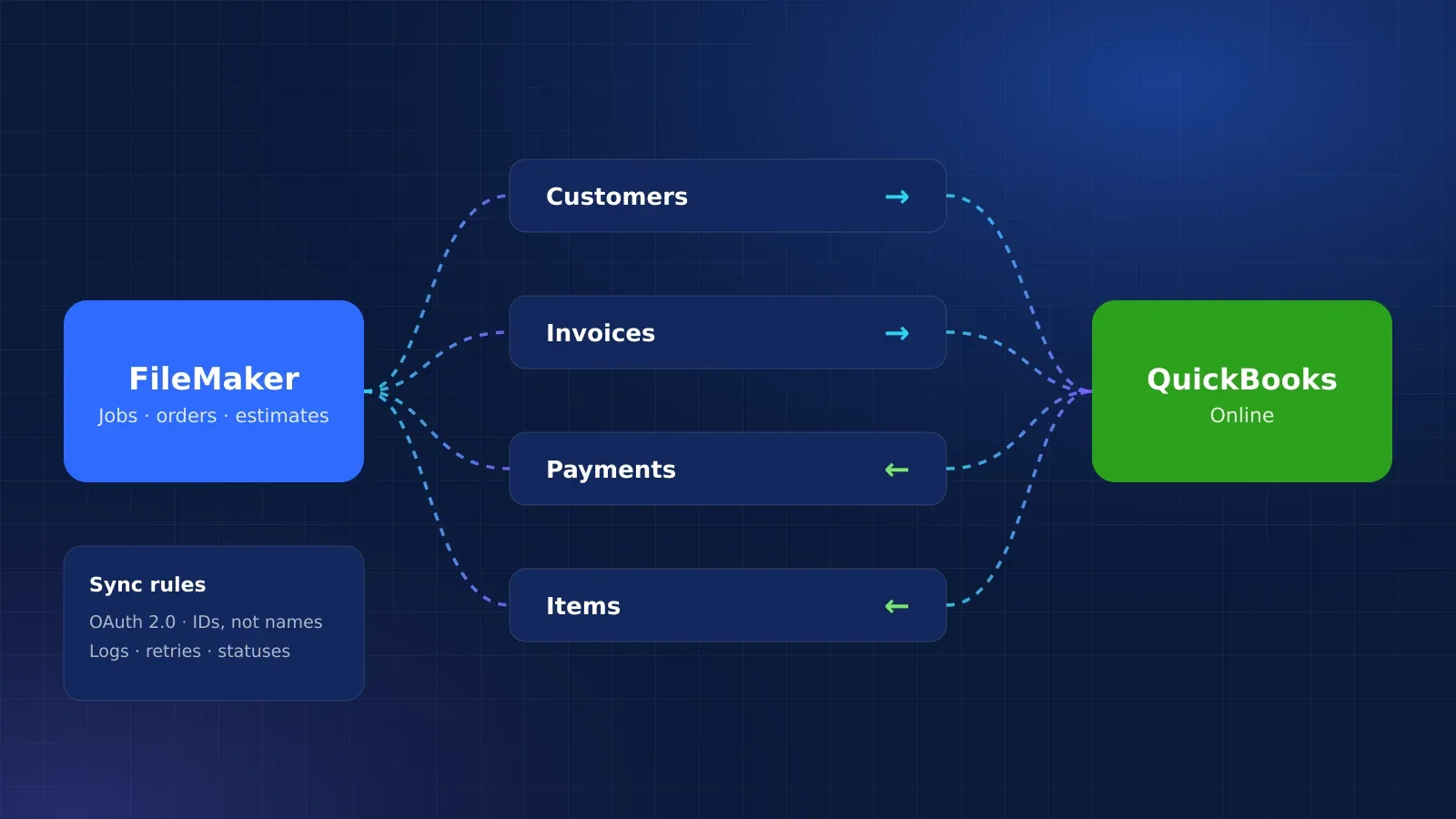
Another option is to sync selected data into a PostgreSQL database such as Supabase for a public-facing app, while FileMaker remains the system your office runs on. This keeps the licence count down without rebuilding everything at once. We explain the integration side in Connecting FileMaker with Web Applications, APIs, and AI Automation.
How to make the decision for your business
1. Count your users honestly, including external users you would like to give access to in the next two years.
2. Get your current licence cost and check renewal dates. Our team can help with Claris licensing.
3. Estimate the rebuild. A FileMaker system analysis gives you an inventory of tables, scripts, layouts and integrations, which is the basis of any realistic estimate.
4. Run the three-year numbers using real rates, not list prices alone.
5. Consider a phased approach if the numbers are close.
Get an independent comparison for your system
We build in both Claris FileMaker and modern web stacks, including custom web applications on PostgreSQL. That means we can recommend staying, extending or migrating based on your numbers rather than our preferred tool.
Send us a short description of your system and user count, and we will set out the realistic options with a cost comparison you can share with your team.
Frequently asked questions
Is Supabase cheaper than FileMaker?
On platform fees alone, yes, often by a wide margin, because Supabase is not priced per user. Once you include the cost of building and maintaining a custom front end, FileMaker is often cheaper for small internal teams, while Supabase tends to win for larger or external user bases.
Can Supabase replace FileMaker?
Supabase can replace FileMaker’s database and backend, but not its interface builder or scripting environment. You also need a web application for screens, reports and workflows, built by a developer.
Can I migrate my FileMaker data to Supabase?
Yes. FileMaker data can be exported and imported into PostgreSQL, which is what Supabase runs on. Container fields need to be moved to file storage, and business logic such as scripts and calculations must be rebuilt separately.
How many users does it take for Supabase to be cheaper than FileMaker?
There is no fixed number, because it depends on the rebuild cost. For a typical mid-sized business system, the three-year costs often meet at roughly 20–30 users. Small systems reach break-even sooner, and complex ones later.
Can FileMaker and Supabase work together?
Yes. FileMaker can read and write to external APIs, including Supabase’s REST API, so you can sync selected data to a PostgreSQL database for a web portal while staff continue to work in FileMaker.
Does Supabase work offline like FileMaker Go?
Not by default. Supabase is a cloud backend, so offline use requires custom work in the front-end application. If offline iPad use is essential, factor that into your build estimate.
Related articles
Turn ideas into a working system
Share what you’d like to build or improve, and we’ll suggest a practical first step.